-1.png?width=114&height=50&name=sparklearn_logo_2020_large_white-01%20(1)-1.png)
Mobile App
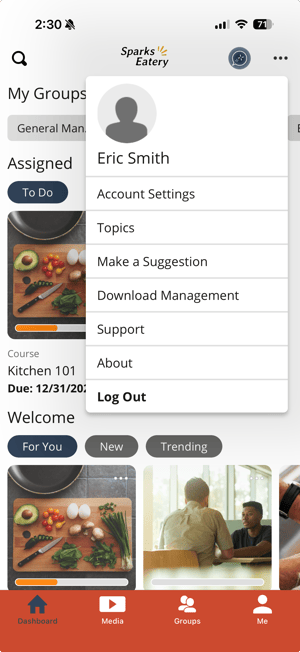
- Select the ... menu from the upper-right corner of the application
- Choose Log Out from the dropdown menu
Desktop
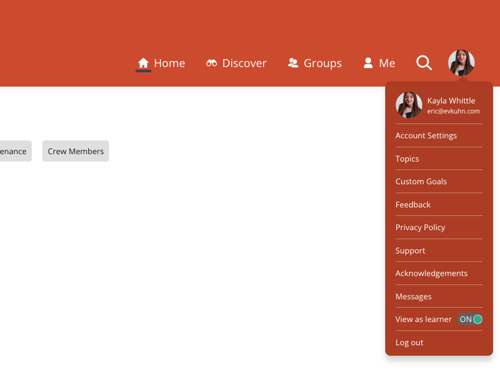
- Select your profile photo from the upper-right corner of the screen
- Choose Log out from the dropdown menu
Still can’t find what you're looking for? Contact Support