![sparklearn_logo_2020_large_white-01 (1).png]](https://help.sparklearn.com/hs-fs/hubfs/sparklearn_logo_2020_large_white-01%20(1).png?height=50&name=sparklearn_logo_2020_large_white-01%20(1).png)
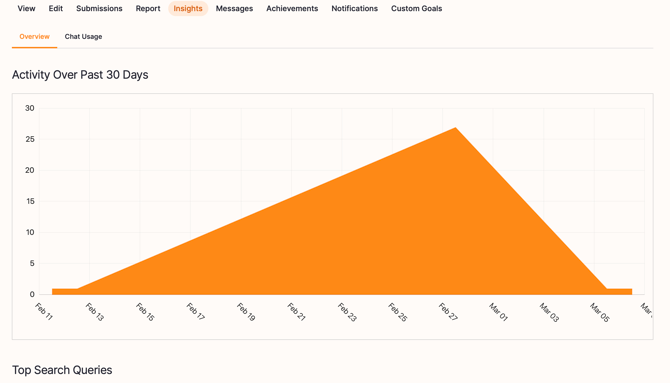
User insights are graphs and other visualizations that summarize the activity of an individual learner. Insights can be viewed by Evaluators, Content Managers, and Owners.
User insights include:
- Activity over the last 30 days
- Popular learning objects over the last 30 days
- The top search queries
Visual Guide
- Select Users from the menu on the left of the screen
- Choose Insights from the dropdown menu in the row of the user you want to evaluate

- View the different Insight graphs (listed above)
Still can’t find what you're looking for? Contact Support