![sparklearn_logo_2020_large_white-01 (1).png]](https://help.sparklearn.com/hs-fs/hubfs/sparklearn_logo_2020_large_white-01%20(1).png?height=50&name=sparklearn_logo_2020_large_white-01%20(1).png)
The Content Management Dashboard is your primary workspace in the content management system. It’s the first screen you’ll see after logging in as a Content Manager and gives you a snapshot of your recent activity, along with any content that’s ready for your review.
From this page, you can create new content, quickly understand what’s happening in the system, and see what you’ve recently worked on. You can also access all editing and review tools from the menu on the left side of the screen.
To return to the dashboard from anywhere in the content management system, select the SparkLearn logo in the top-left corner.
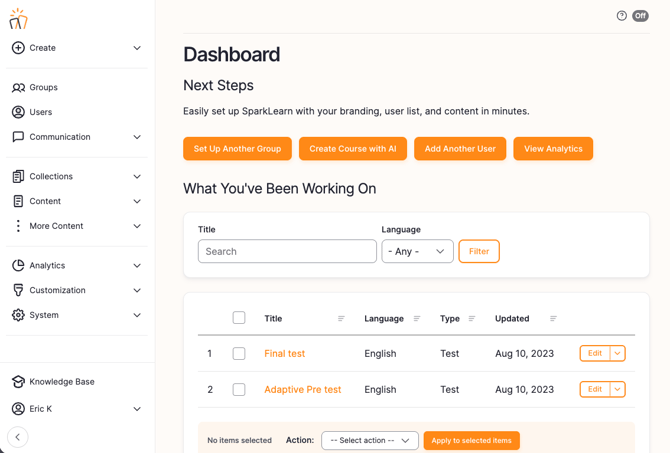
The Content Manager interface is laid out in 3 main sections.
-
The menu bar allows you to Search, view the Tour of the admin interface and turn on the "View as Leaner" mode.

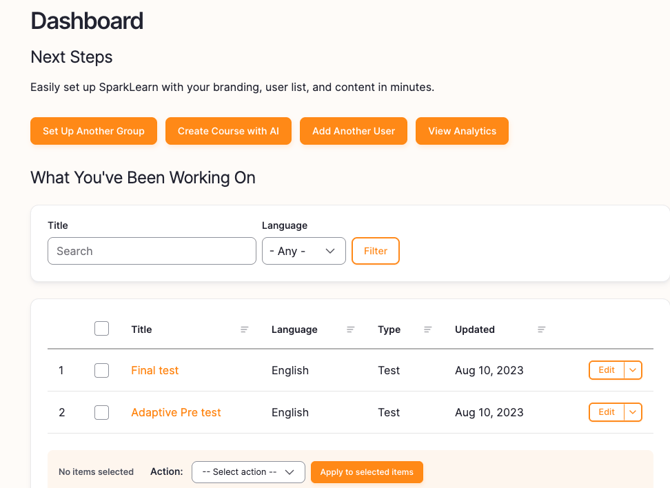
- The main window starts by showing you a quick create menu as well as what you have been working on recently
-
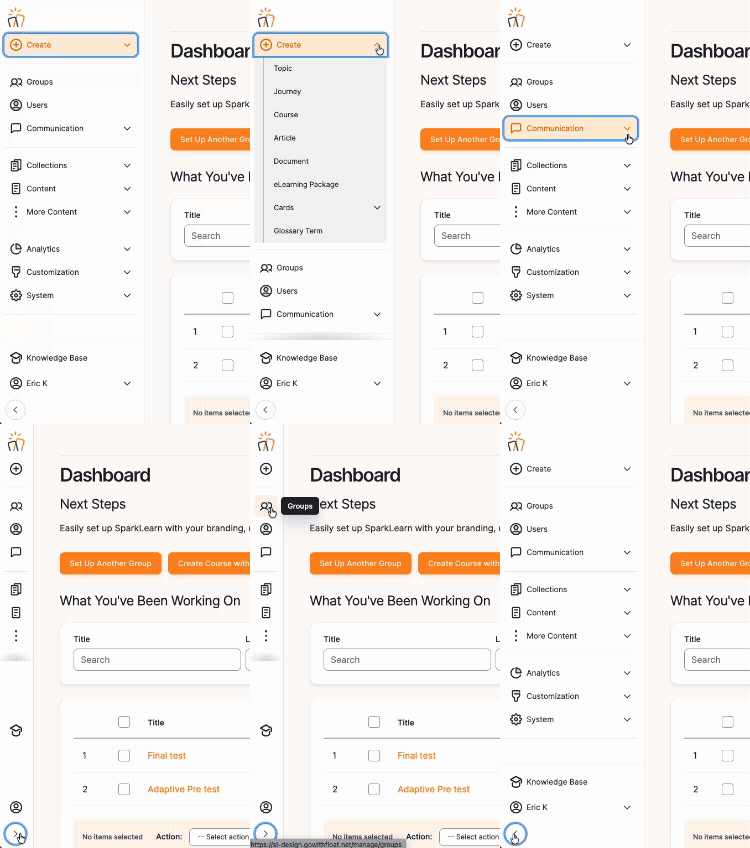
Use the left-side menu to navigate between sections of the admin interface. Select a section to expand it and see more options. You can collapse the menu at any time by selecting the arrow button at the bottom.
Still can’t find what you're looking for? Contact Support