![sparklearn_logo_2020_large_white-01 (1).png]](https://help.sparklearn.com/hs-fs/hubfs/sparklearn_logo_2020_large_white-01%20(1).png?height=50&name=sparklearn_logo_2020_large_white-01%20(1).png)
- To switch to what the Learner will see Toggle on View as Learner from the top menu
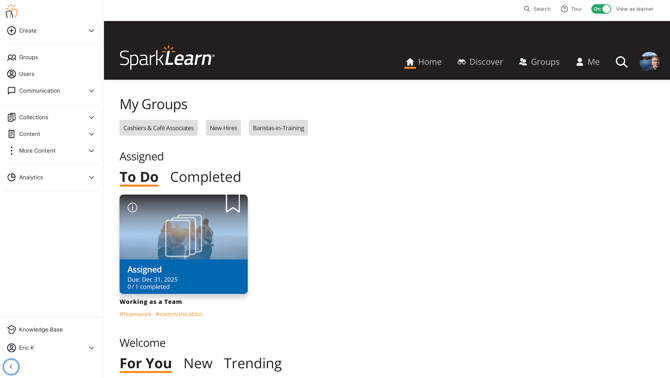
- You will be able to access the Left Side menu as you view. If you would like to minimize the menu ue the arrow button in the bottom left corner.

Still can’t find what you're looking for? Contact Support